Verify this file
Compare the checksum after downloading, and open the scan report to see detections.
SHA-256
f297a2584fcf485ea1f66c80406f45e5b068afb3c7ed514393c3d163d9f8080b
About Aura Dock
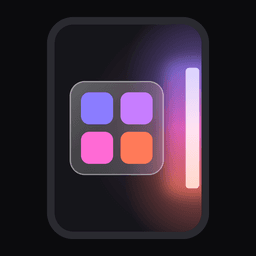
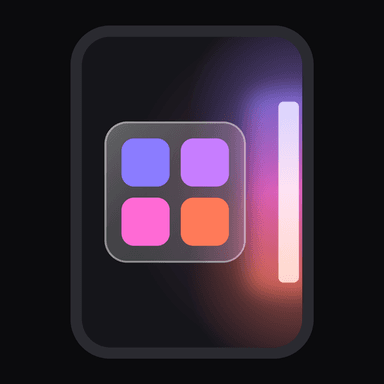
Aura Dock turns the edge of your display into a discreet, glowing handle that slides out a customizable app panel over any screen. A quick swipe or tap reveals your shortcuts without ever leaving the current app or cluttering the home screen with icon grids. The utility is built for users who want instant multitasking access while maintaining a minimal, distraction-free interface.
Overview
The app places a thin, illuminated bar along any screen edge—left, right, top, or bottom. Pulling or tapping this handle opens a floating panel populated with your chosen applications and folders, overlaying whatever is currently running. You can create multiple handles for different categories, such as social apps on one side and work tools on the other. Panels can also be dragged inward to become free-floating bubbles that stay parked on the screen for persistent access. For a truly invisible setup, the handle graphics can be hidden entirely; the trigger zone remains active and opens the panel on a frosted or blurred backdrop on Android 12+.
Key Features
- Edge handles: Place glowing triggers on any screen side for system-wide access.
- Swipe activation: Open panels with an inward swipe or a simple tap on the handle.
- Folder grouping: Organize shortcuts into labeled categories like Social or Work.
- Floating bubbles: Detach panels to movable bubbles that dock back to the edge.
- Invisible mode: Hide handle visuals completely while keeping the swipe zone active.
- Blur backdrop: Panels render over a frosted glass effect with system blur on Android 12+.
- Deep customization: Adjust handle length, thickness, color via hex codes, and choose from seven glow animations.
- Smart hiding: Handles auto-hide on lock screens, during calls, or inside selected apps like games.
Why Use Aura Dock
Aura Dock delivers a lightweight, ad-free way to keep essential apps one gesture away without sacrificing screen real estate. Its one-time Pro purchase unlocks unlimited handles, folders, and visual styles, while the free tier offers a generous trial of every feature. The app respects privacy by collecting zero data and requiring no internet connection, making it a clean, efficient addition to any Android workflow.
Download
Get the latest Aura Dock APK from the Aura Dock download page, where every release is listed with its file size, architecture and SHA-256 checksum.
You can also check the official listing on Google Play.
More Personalization apps
True Edge
XOS Launcher

Computer Launcher Pro
- Premium
Dynamic Notification Bar
- Premium

PhoneWalls
- Premium

Keyboard Pro
- Pro
IntelliType
- Pro
v1.0.631.47 MB
All versions (1)
Every uploaded release and architecture of Aura Dock
Version
Arch
Size
Uploaded
SHA-256
Scan
Download
Architecture: Universal
Size: 1.59 MB
Uploaded: 11 Nov 2026
f297a258…080b